How to Track Brand Mentions in Gemini
Run buyer questions in the Gemini app every day and record how often the answers mention you and cite your pages, read as a trend over weeks.
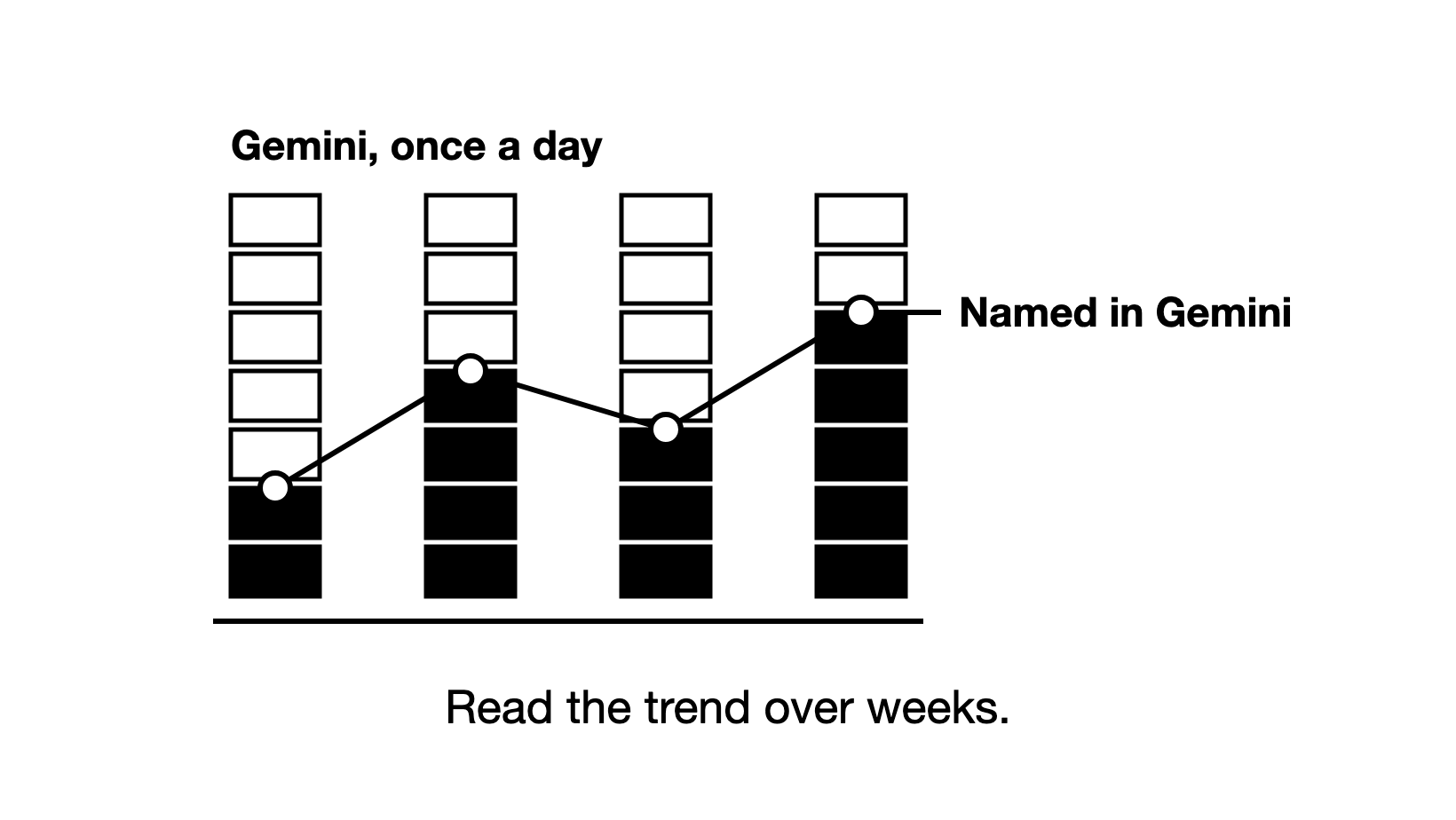
To track brand mentions in Gemini, run buyer questions in the Gemini app every day, record how often the answers mention your brand and cite your pages, and read the results as a trend over weeks.
Your brand is mentioned when a Gemini answer names it anywhere in its text, with a link or without one. Any mention counts as AI visibility, and a mention can come from your pages, third-party pages, community threads or what the model learned in training.
A page is cited when the answer shows it as a source. That can be your own page, a third-party page (a listicle, a news article, etc.) or a community page (a Reddit thread, a forum post, etc.). "Your pages cited" means the answer shows at least one page from your own domain as a source.
How is Gemini different from AI Overviews, AI Mode and ChatGPT?
In this guide, Gemini means the Gemini app, Google's assistant on the web and on phones. AI Overviews are the AI summaries Google places at the top of some search results, with links to the pages they draw on. AI Mode is a chat-style mode of Google Search. AI Overviews and AI Mode are features of Google Search, not part of the Gemini app.
So track the Gemini app, AI Overviews and AI Mode as three separate products. Tracking AI Overviews has its own guide.
The answers differ too. Say Gemini names your brand, but every page it cites belongs to another site: that counts as a mention, but not as a citation of your pages. We looked at data from the Zadoosh data platform, June to October 2026, B2B brands across software and other fields. Among Gemini answers that showed sources, 6.2% named the brand without citing one of its pages, and 3.8% cited one of its pages without naming it.
ChatGPT, a separate engine, leans the same way as Gemini. In the same data (April to October 2026), it named the brand without citing one of its pages in 8.1% of answers. It cited one of its pages without naming it in 5.2%.
AI Mode went the other way round (June to October 2026). It named the brand without citing its pages in 5.8% of answers, and cited its pages without naming it in 17.5%. So count mentions and your cited pages as two separate numbers, for each engine on its own.
Which prompts should you track in Gemini?
Tracked prompts are the questions you ask AI engines again and again, recording each time whether the answer names your brand and cites your pages. In Gemini, track the same prompts you track on other engines, in the same countries and languages. Only one group of them counts toward your visibility, the share of answers that name your brand:
| Prompt group | Example | Counts toward visibility? |
|---|---|---|
| Visibility prompts: a buyer's question that names no brand | "Best CRM for a 20-person B2B sales team" | Yes |
| Positioning prompts: your brand by name, or your brand against a competitor | "Is [your brand] good for [use case]?" | No. Naming your brand forces it into the answer, so these show how Gemini describes you |
| Informational prompts: a question about a concept | "What is a CRM?" | No. They rarely name any brand, so watch them for citations only |
How do you track brand mentions in Gemini, step by step?
How do you check Gemini by hand?
Gemini can shape its answers to where you are. By default it uses the general area from your IP address, or the Home or Work address saved in your Google Account. It uses your device's precise location only if you allow it. So pick one way of checking and keep it the same every day:
- Use Gemini logged out, so your own history and saved addresses do not shape the answer, and do not allow precise location. Check from the country your buyers are in, through a VPN in that country if you are not there.
- Ask each prompt in a new chat, so an earlier question does not shape the answer.
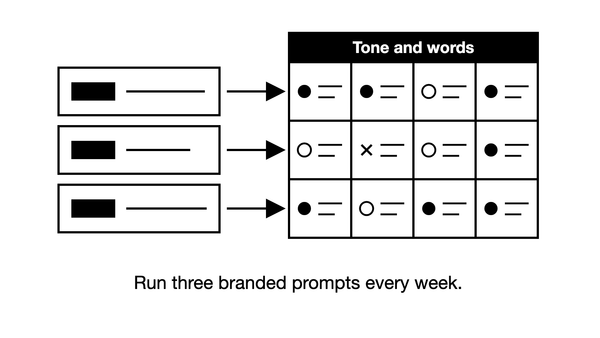
- Log every answer on the day, with the fields in the table below.
- Repeat every day with the same prompts.
Gemini lists its sources under a Sources button, at the bottom of the answer or in line. Not every Gemini answer has sources, so log those answers as "no sources" rather than "not cited". Count them toward your visibility: an answer with no sources can still name your brand, from what the model learned in training.
| Field | What to write |
|---|---|
| Date, country, language and prompt | The day, the country and language you checked in, and the exact prompt |
| Brand named | Yes or no |
| Order among the brands named | For example 2nd of 5; leave it blank if you are not named |
| Other brands named | Every competitor in the answer |
| Your pages under Sources | Your own URLs, or "no sources" |
| Other pages under Sources | Every other URL, to sort later into third-party and community pages |
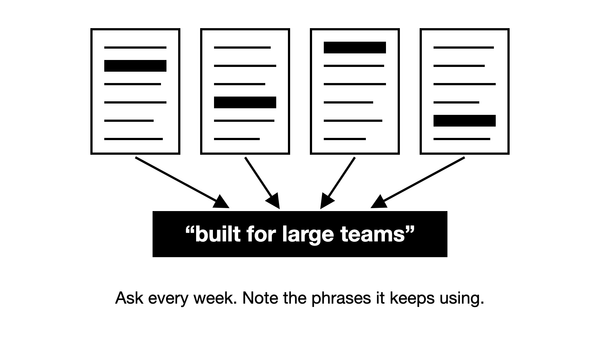
| Words about your brand | The phrases Gemini uses when it names you |
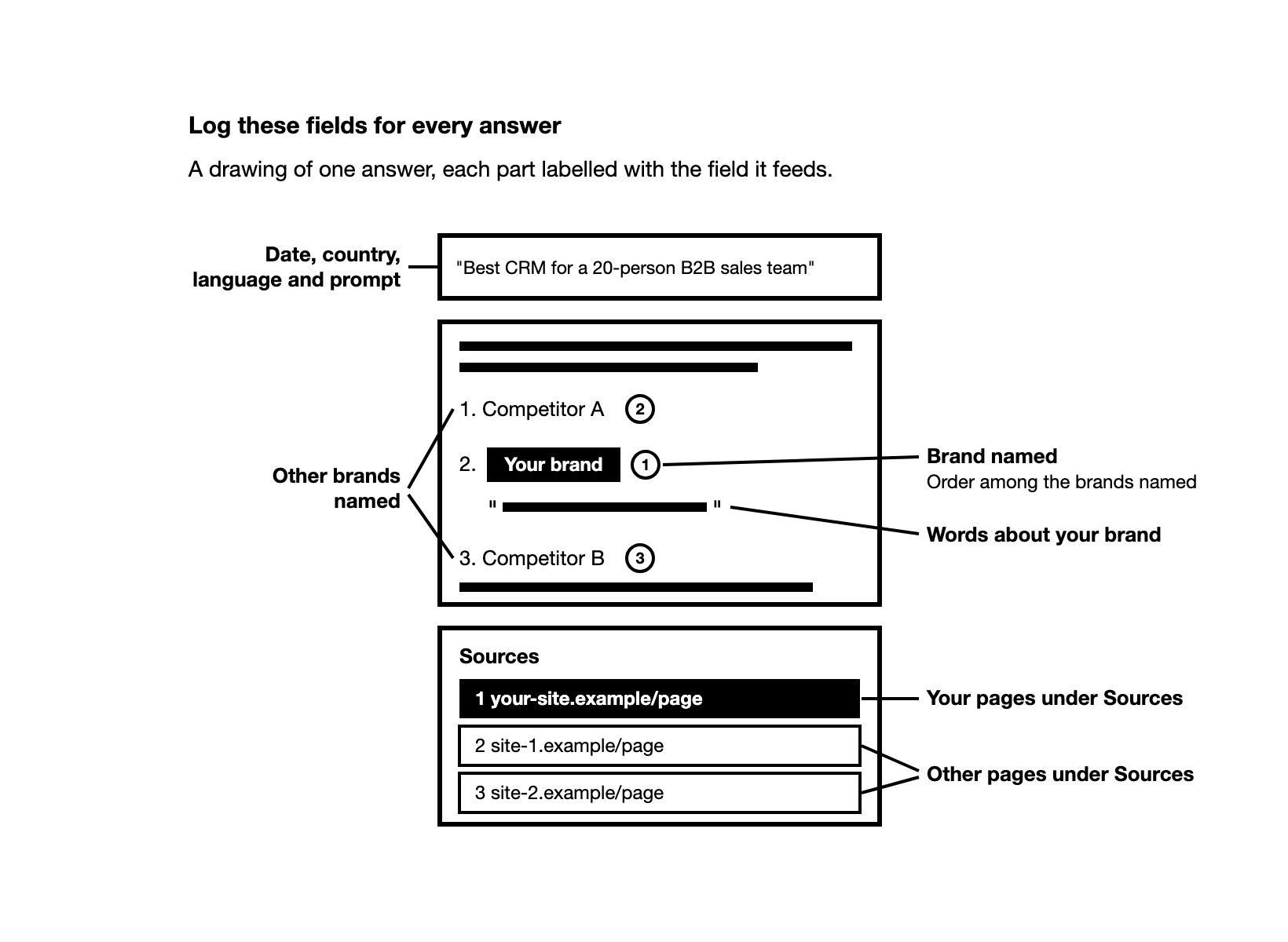
A hand log tells you roughly where you stand, not a number you can report.
How many Gemini runs do you need before you trust the number?
About ten runs of each prompt give you a rough read. Each extra run helps, but some error always stays. At one run a day, every prompt reaches ten runs in under two weeks.
Ask Gemini the same question twice in one day, and the brands named and pages cited often differ. We looked at our data from June to October 2026, B2B brands across software and other fields. Two Gemini runs of the same prompt on the same day shared 59% of the brands named. They shared 25% of the cited sites and 20% of the cited pages, so brands stayed steadier than cited sources.
Say Gemini names your brand in 4 of every 10 answers to a prompt. A single run can only tell you yes or no. More runs bring you closer to the real share of 4 in 10.
We measured this in our ChatGPT data, April to October 2026, B2B brands across software and other fields. We looked at prompts where the brand was named in some answers but not all. One random run came within 10 points of the prompt's share over 30 days only 35% of the time. Ten runs did so 64% of the time, and came within 20 points 88% of the time.
What should a Gemini tracking tool do?
Running every prompt by hand each day is slow. A Gemini brand monitoring tool does the daily runs for you, but check four things before you trust its numbers:
- It captures answers from the Gemini app. Some tools call Google's Gemini API, the version built for developers, instead. In the API, Gemini searches Google only when the developer turns on its search tool, and even then the model decides whether to search. So API answers can differ from what buyers see in the app.
- It shows the raw answer behind every number, so you can read exactly what Gemini said.
- It passes a spot check. Run a few of its prompts by hand, logged out, and compare with what the tool recorded. Do not expect the same brands and pages, because two Gemini runs of one prompt differ too. The tool passes when its answers read like yours and show Sources about as often. Its yes or no for your brand and your pages should also match the raw answer it stored.
- It keeps Gemini apart from AI Overviews and AI Mode, with the same prompts and countries as your other engines.
If two tools give you different Gemini numbers, compare how each one works: the prompts, the country, the number of runs and how it counts a mention. Then pick one and read its trend.
No tool, ours included, sees the answer a real buyer got. A tool shows what Gemini answers your prompts today.
Which numbers should you measure in Gemini?
Turn the log into the numbers below. Our guide to measuring AI search visibility explains each one across engines.
| Number | What it counts |
|---|---|
| Visibility % | Answers that name your brand, divided by all answers, across all your visibility prompts and days |
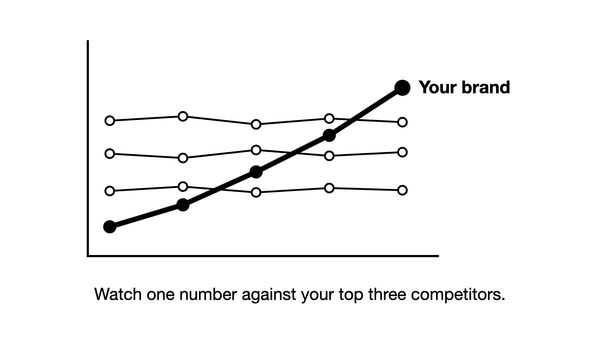
| Share of voice | Your mentions as a share of all brand mentions, counted against the brands Gemini actually names |
| Position | Where your brand comes among the brands an answer names, for example second of five. AI answers have no fixed positions 1 to 10 and the order changes, so track it once your visibility is decent |
| Recommended | Answers that name you as the best fit for the buyer, not just one name in a list |
| Your pages retrieved and cited | Retrieved: Gemini pulled your page into the pool of pages it gathered for the answer. Cited: the answer shows your page as a source |
| Cited pages by channel | Every page Gemini cites, split into your own, third-party and community pages |
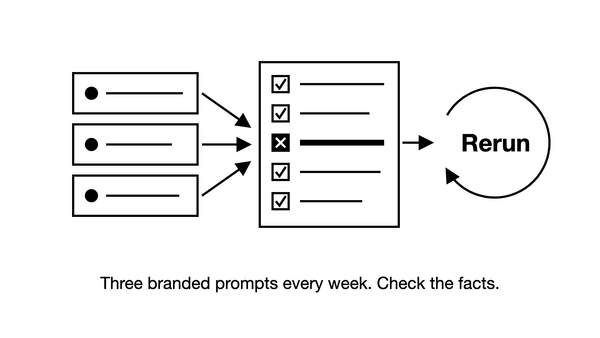
Positioning prompts get their own weekly read. Check whether Gemini repeats outdated facts, such as old pricing, or lists you in the wrong group, such as "cheapest options" for a premium product. Keep these checks out of your visibility %.
How often should you run your Gemini prompts, and when is a change real?
Run each prompt once a day in each country you track. A weekly check gives you one answer per prompt per week, which is too few to read.
Say your Gemini visibility was 22% last week and 25% this week. Before you report a gain, check that the move is bigger than noise: the change you get from answers moving at random.
We measured this in our data on ChatGPT, March to October 2026, B2B brands across software and other fields. Most weekly moves in a prompt set's visibility were noise: the median move was about 3 points. Across all prompt sets, a weekly change was at least 80% likely to be real from about 11 points. On sets with 100 to 299 answers a week, the bar was about 7 points.
In the same data, under 100 answers a week, no weekly change could be told from noise. Comparing one 4-week block with the next, changes of 3 to 6 points were already likely real.
Our rule follows from this: act on a weekly change of about 10 points or more when the set has 100 or more answers a week. Read smaller moves, like the 3 points in the example, over a month.
These bars were measured on ChatGPT, not Gemini, so treat them as a guide for your Gemini numbers. On other engines we measured, the bar was higher: about 18 points on Perplexity and 19 on Copilot (April to October 2026). On AI Overviews it was about the same, about 10 points (June to October 2026). So read Gemini's weekly moves with at least ChatGPT's 10-point bar.
Fifteen prompts run once a day in one country give you just over 100 Gemini answers a week. With fewer, read your Gemini number month by month, or track more prompts.
Why did your Gemini visibility drop, and how do you find the cause?
Before you treat a visibility loss in Google Gemini as real, rule out noise and changes in how you measure. Then trace a real drop through the pages Gemini cites, not through your own page. Work through these six checks in order.
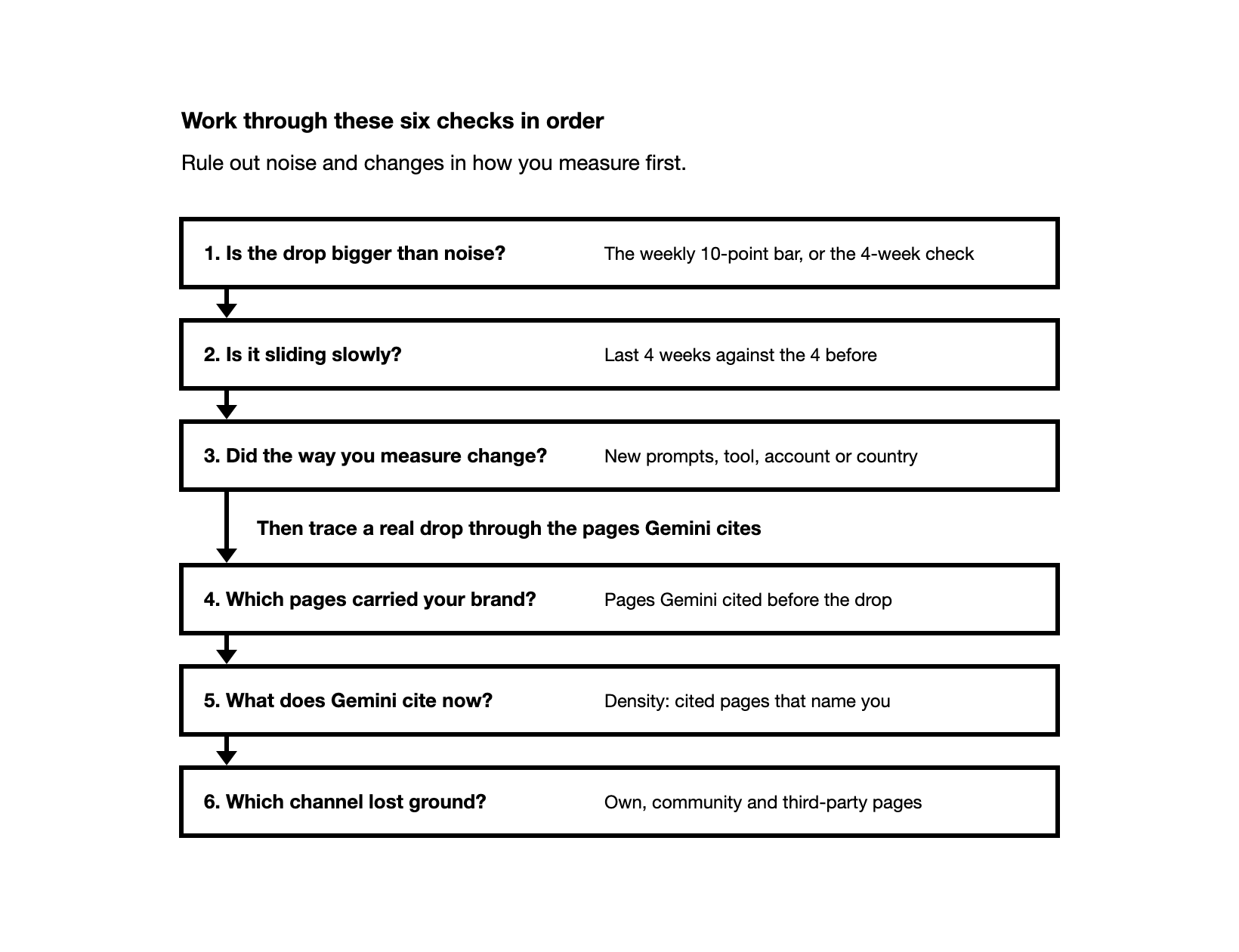
Is the Gemini drop bigger than noise?
One check where Gemini left you out proves little, and reading a drop from one check is the most common mistake we see. If your set has 100 or more answers a week, act on a weekly drop only when it crosses the 10-point bar above. With fewer answers, skip the weekly read and use the 4-week check below.
Is your Gemini visibility sliding slowly?
Drift is a real change in the answers over time. It builds up over weeks, so a drop can be real even if no single week crosses the 10-point bar. To check, compare your last 4 weeks with the 4 weeks before, against the 4-week bar above.
We measured drift in our ChatGPT data, April to October 2026, B2B brands across software and other fields. From a prompt's first 28 days to its last 28 days, the share of answers naming the brand moved by a median 13 points. Noise alone moved it about 4 points.
Did the way you measure Gemini change?
Look at what changed on your side: new prompts, a new tool, or checks from another account or country. Gemini uses your location, so a new account or place can change what you see. New prompts come in at their own level, so the overall number can move while your old prompts stay the same. Compare the original prompts on their own.
Which pages carried your brand in Gemini before the drop?
As of November 2026, the Gemini app does not show the searches it runs behind an answer, so the pages it retrieved and cited are the evidence you have. For each prompt where you dropped, find the pages Gemini cited before the drop that mention your brand. If those pages dropped out of the answers, the cause sits with them, not with your own site.
Expect most of those pages to be on other sites. In our data (June to October 2026, B2B brands across software and other fields), the brand's own pages were about 7% of the pages Gemini cited.
Each Gemini answer also cites only a few pages. In the same data, a Gemini answer with citations cited 3 to 4 pages (July to October 2026). A ChatGPT answer cited 4 to 7.5, depending on the month (May to October 2026). With so few pages in each Gemini answer, losing one page that named you can be enough to drop you from the answer.
What does Gemini cite now for the prompts where you dropped?
Across a week of answers to each prompt where you dropped, list the pages Gemini cites now, and count how many of them name your brand. That share is your density. If 4 of 10 cited pages name you, your density is 4 in 10.
Which channel lost ground in Gemini?
Split the pages Gemini cites into your own, community and third-party pages. Compare each channel's share of cited pages before and after the drop: the channel that shrank is the likely cause.
Frequently asked questions
Does Google Search Console show my brand in Gemini? No. Search Console's generative AI report counts impressions of your pages in AI Overviews and AI Mode, and the Gemini app is not on its list. It shows no brand mentions and no queries either, which is why the engines' own reports cannot replace running prompts.
Can I see visits from Gemini in Google Analytics 4? Yes. Since 13 May 2026, GA4's default channels include an AI Assistant channel for visits from Gemini, ChatGPT and other assistants. Visits from AI Overviews and AI Mode count as Organic Search instead. The channel shows only people who clicked through to your site, not answers that named you.
Can I track brand mentions in Gemini for free? By hand, yes: run your prompts in the Gemini app and log each answer, as in the steps above. That gives you a rough picture, not a number to report. For daily tracking, the Zadoosh AEO platform's free trial runs your prompts on Gemini, ChatGPT, Perplexity, Copilot, AI Overviews and AI Mode. As of November 2026, the trial covers 25 prompts for 7 days, with no card needed.
How long do changes take to show up in Gemini? Expect weeks rather than days: results of content work can take 2 to 12 weeks to show. In Gemini, the first sign is usually your new or updated page showing up under Sources for your prompts, and mentions follow. Keep running the same prompts every day in the meantime.
Does Gemini cite Reddit threads? Rarely, in our data. Reddit made up 1 to 2% of the pages Gemini cited (July to October 2026, B2B brands across software and other fields).