What Does utm_source=chatgpt.com Mean?
It is a tag ChatGPT adds to the links it cites, so a visit with it means someone clicked your page in a ChatGPT answer, not that ChatGPT recommended you.
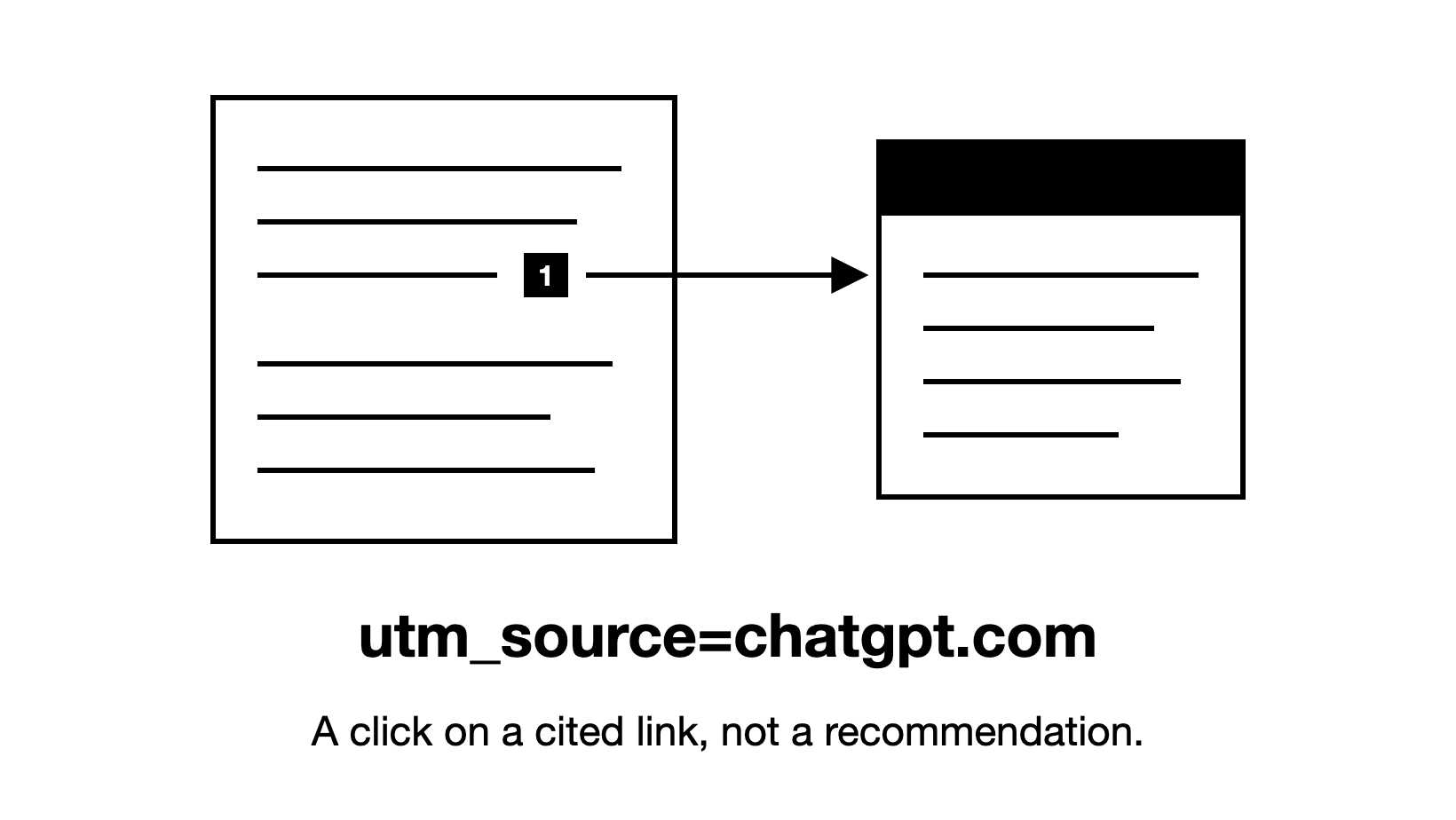
utm_source=chatgpt.com is a tag ChatGPT adds to the links it cites, so a visit with it means someone clicked your page in a ChatGPT answer, not that ChatGPT recommended you.
What does utm_source=chatgpt.com at the end of a link mean?
A UTM tag is a short label on the end of a web address, after a question mark. Analytics tools such as Google Analytics 4 (GA4) read it to record where a visit came from. The utm_source part names the sender, so utm_source=chatgpt.com names ChatGPT. A link from a ChatGPT answer to a pricing page looks like this: https://example.com/pricing/?utm_source=chatgpt.com.
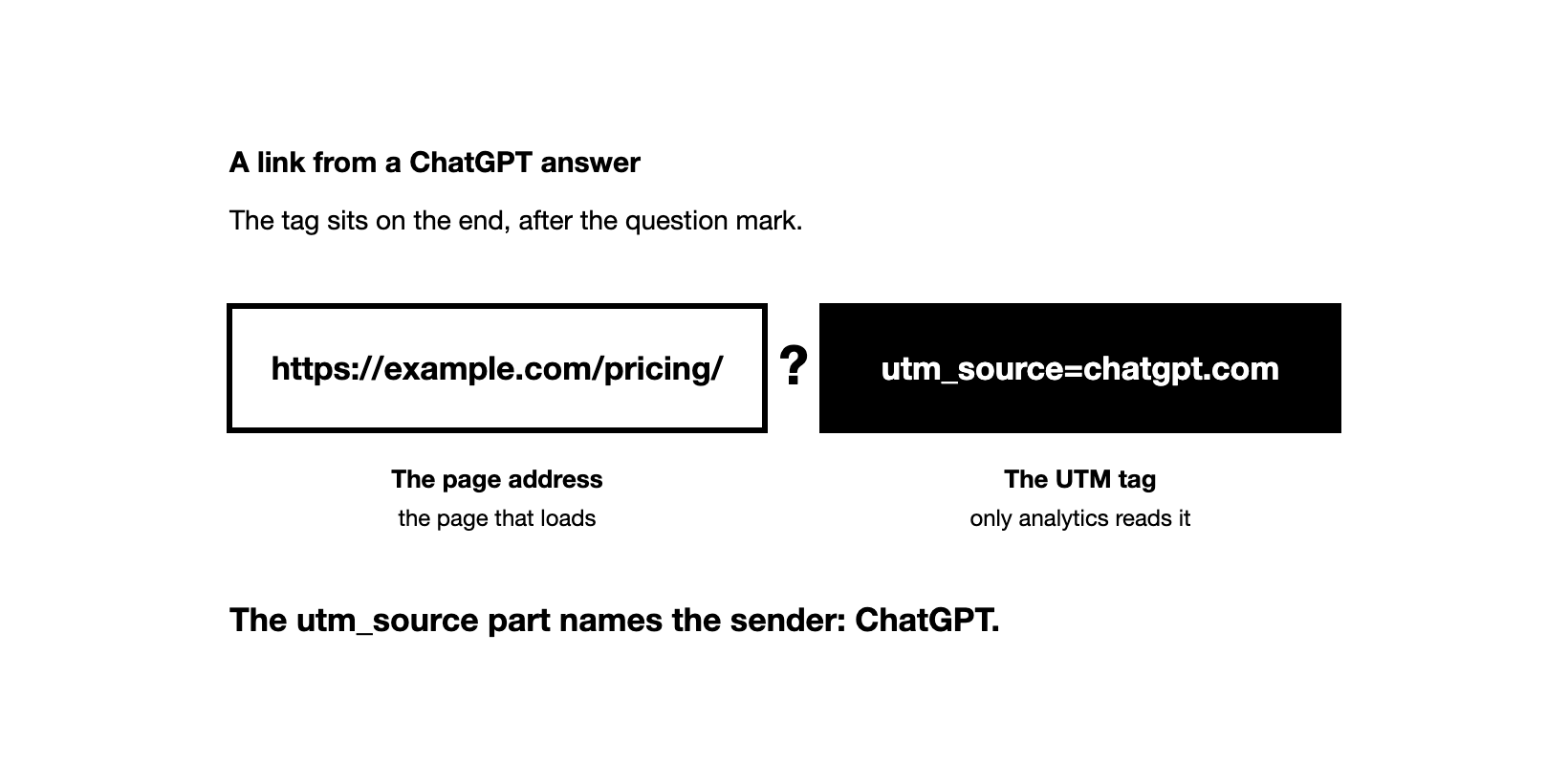
When ChatGPT searches the web, it shows the pages behind its answer as links in the text and, when available, in its Sources list. OpenAI's help page says Sources shows "cited sources and other relevant links". In our data (March to October 2026, B2B brands across software and other fields), ChatGPT cited at least one page in 98% of answers to tracked buyer prompts. In the ChatGPT answers we have seen since February 2026, cited links have carried the tag, apart from several days in October 2026.
If someone copies a link out of ChatGPT into an email, a Slack message or a document, every click on that copy arrives tagged too. So the tag tells you where the link came from, not who clicked it or how they found it.
Does a utm_source=chatgpt.com visit mean ChatGPT recommended you?
No. Being cited is not the same as being mentioned or recommended. A mention is your brand named in the answer, and a recommendation is your brand named as the best fit for the buyer. Which AI Visibility Metrics Matter? explains how the three measures differ.
Say a buyer asks ChatGPT how to reduce customer churn. The answer cites your blog post for one tip, then recommends three tools, and yours is not among them. The buyer clicks your link to read the tip. Your analytics shows a visit tagged utm_source=chatgpt.com, but ChatGPT never named your brand.
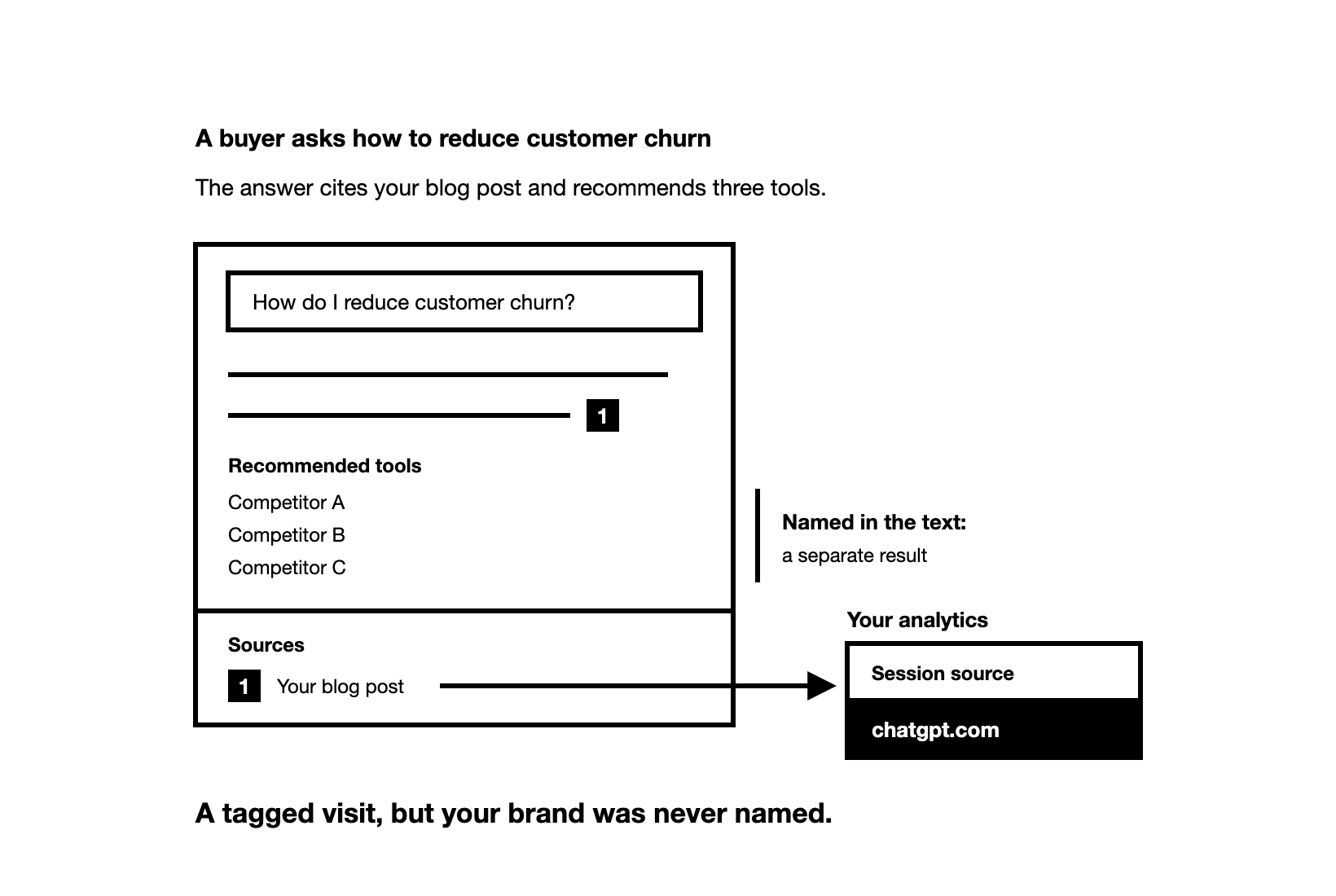
We looked at ChatGPT answers that showed sources, in data from the Zadoosh data platform (April to October 2026, B2B brands across software and other fields). ChatGPT cited one of the brand's own pages without naming the brand in 5.2% of those answers. It named the brand without citing any of its pages in 8.1%.
A tagged visit says nothing about Google either. In what we have seen, being cited by ChatGPT and ranking in Google are mostly unrelated. Pages with little Google traffic get cited, and a top Google ranking does not mean ChatGPT will cite the page.
What shows up in your analytics after each kind of ChatGPT answer?
Only one kind of answer sends you a tagged visit. In GA4, a visit with no known source shows up as Direct.
| What happened in the ChatGPT answer | What your analytics shows |
|---|---|
| Your page was cited, and the reader clicked it | A visit tagged utm_source=chatgpt.com |
| Your page was cited, and nobody clicked | Nothing |
| Your brand was named next to a cited third-party page (a listicle, a comparison article, etc.) or community page (a Reddit thread, a forum post, etc.), and the reader clicked that page | No tagged visit. If the reader then follows a link to your site, the visit shows that other site as its source |
| Your brand was named with no link, and the reader later searched your name or typed your address | A Google search visit or a Direct visit |
Buyers rarely click the citations in an AI answer, so ChatGPT can cite your page many times before anyone visits it. Those citations still matter, because engines use the pages they cite to decide which brands to name. So count tagged visits as clicks on your cited pages, not as your visibility in ChatGPT. To see how often ChatGPT names you, track mentions on their own, as How to Monitor Brand Mentions in ChatGPT shows.
Why does ChatGPT add utm_source=chatgpt.com, and is the visit referral traffic?
Analytics can learn where a visit came from in two ways. The referrer is the address of the previous page, which the browser passes along with the click. A UTM tag sits in the link itself, so it still names ChatGPT when no referrer arrives.
As of November 2026, no live OpenAI help page documents the tag, so it can change without notice. In October 2026, Search Engine Roundtable reported that for several days after the GPT-6 release, ChatGPT links carried neither the tag nor a referrer. Analytics counted those visits as Direct. The tag was back by 15 October.
So if your ChatGPT visits drop while Direct visits rise on the same pages, check the tag first. Open a link in a new ChatGPT answer and look for utm_source=chatgpt.com in the address bar. Only then decide whether ChatGPT stopped citing your pages.
GA4 sorts visits into channels, such as Organic Search and Referral, from each visit's source and its medium (the kind of traffic). Until May 2026, GA4 had no channel for AI assistants, so it counted ChatGPT visits as Referral. On 13 May 2026, Google added an AI Assistant channel to GA4's default channels.
GA4 now sets the medium to ai-assistant when the referrer matches its own list of AI assistants, and the channel's definition names ChatGPT. Google does not publish the full list. Because the channel works from the referrer, a tagged visit that arrives without one can miss it, so filter on the source as well.
How do you find utm_source=chatgpt.com visits in GA4?
Find them in the Traffic acquisition report:
| Step | Where in GA4 | What to do |
|---|---|---|
| 1 | Reports, then Acquisition, then Traffic acquisition | Open the report and pick a date range |
| 2 | The heading of the table's first column | Change it to Session source / medium |
| 3 | The search box above the table | Type chatgpt to keep only the ChatGPT rows |
| 4 | The plus sign next to the first column's heading | Add a second column for the landing page, to see which pages ChatGPT sent people to |
The same rows show key events, GA4's name for the actions you count as conversions, such as a demo request. Stay in Traffic acquisition rather than User acquisition. User acquisition credits only the first visit of each person, so it misses buyers who came back later through ChatGPT.
Watch the landing page column for pages you created or rewrote. When one of them gets its first chatgpt.com visit, a ChatGPT answer has cited it. That is an early sign your changes are working, and worth showing in your report.
To see ChatGPT and Perplexity traffic together in every report, build a custom channel group for AI assistants. Google's own example names ChatGPT, Gemini, Microsoft Copilot, Claude and Perplexity, and places the AI channel above Referrals so GA4 checks it first. A custom group also applies to past data. The wider method for AI traffic in GA4, Search Console and Bing is in How to Measure AI Search Visibility.
Can you see which ChatGPT prompt sent a utm_source=chatgpt.com visit?
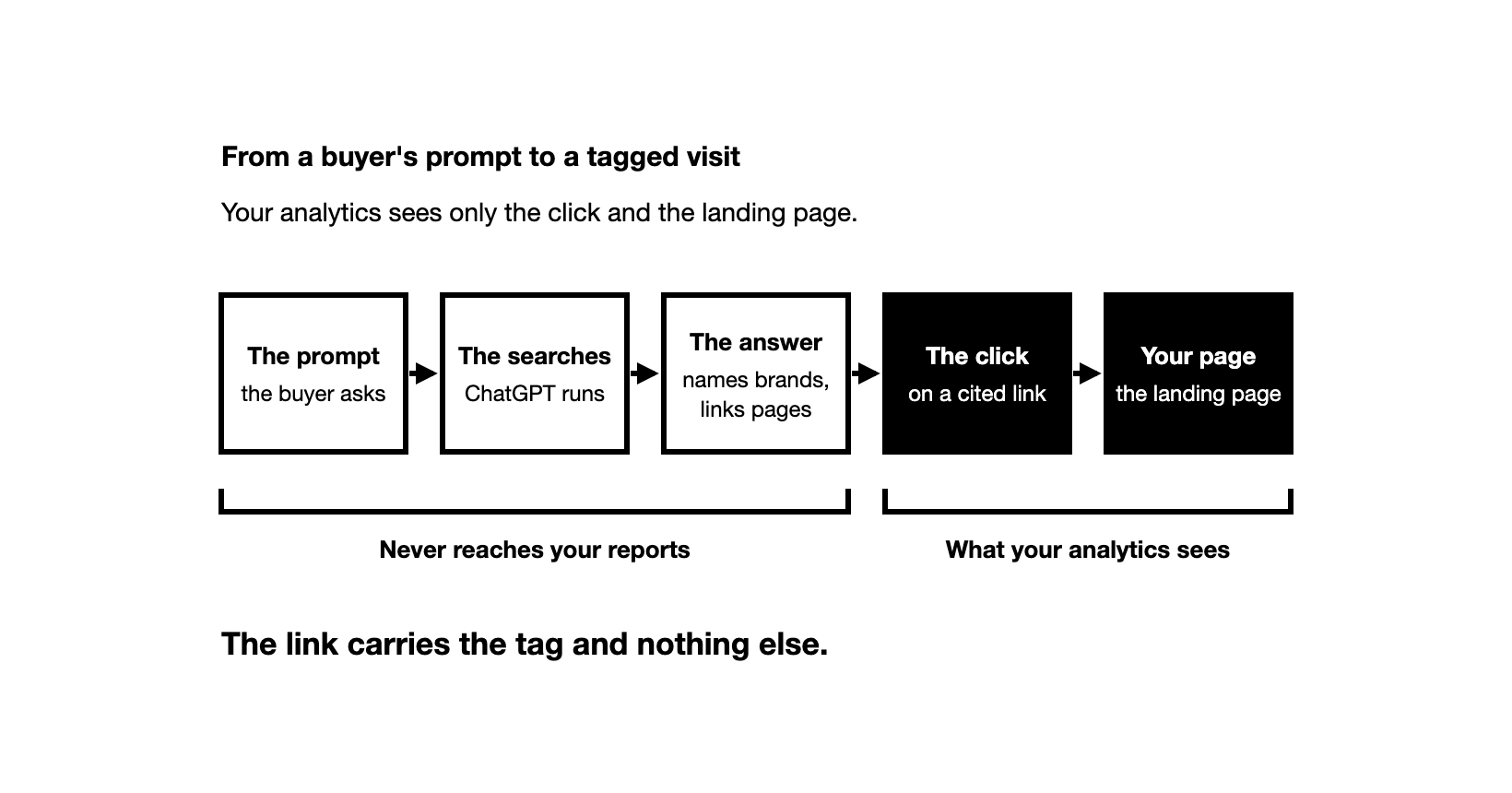
No. The link carries the tag and nothing else, so traffic analytics tools such as GA4 never receive the question the buyer asked or the answer they read. No AI visibility tool can see it either, ours included, because these tools only run the prompts you choose and record what the engines answer. The buyer's own chat stays private unless the buyer shares it or an engine exposes it.
ChatGPT's own searches are not the prompt either. OpenAI says ChatGPT "typically rewrites your query into one or more targeted queries" before it searches, and saved memories can shape that rewrite. As of November 2026, ChatGPT often shows those searches in its "Searching" line while it answers.
One question often becomes more than one search. In data from the Zadoosh data platform (October 2026, B2B brands across software and other fields), ChatGPT ran a median of 2 web searches per answer. Your page may have come from any of them, and Query Fan-Out: What It Is and How to Find It explains how to find those searches.
Which clues point to the prompt behind a ChatGPT visit?
Long-tail searches, one of the five clues below, are long and specific searches, often a full question.
| Clue | Where you find it | What it tells you |
|---|---|---|
| The landing page | GA4, filtered to ChatGPT, with a landing page column | The page ChatGPT cited, so the topic of the question |
| What the visitor did next | GA4: pages viewed and key events | How far along the buyer was, from reading to asking for a demo |
| The buyer's own words | A "How did you hear about us?" field on demo and sign-up forms, and your sales calls | Whether ChatGPT played a part, and sometimes the question itself |
| Long-tail searches for the same page | The search reports in Search Console and Bing Webmaster Tools, filtered to that page | The words buyers use for that topic |
| AI searches that cited your pages | The AI Performance report in Bing Webmaster Tools | A sample of the phrases Copilot and Bing's AI summaries searched with when they cited your pages |
The type of landing page is a clue too. In what we see, narrow buyer questions get vendors' pricing pages, homepages and docs cited, while category questions such as "best X" get listicles cited. So a tagged visit to your pricing page points to a buyer who is already comparing vendors.
Some buyers who found you through ChatGPT answer "Google" on a form, so list ChatGPT and other AI assistants as options. Bing's phrases are the AI's own searches, not users' prompts, and Microsoft says its report also covers partners it does not name. Use them as wording ideas only.
How do you turn clues about a ChatGPT visit into prompts you can track?
- List the pages that get tagged visits, using the GA4 steps above.
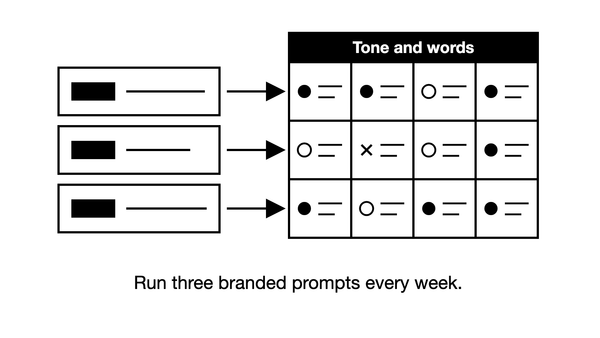
- For each page, write a few questions a buyer could ask that the page answers. Use the words from your forms, calls and long-tail searches, and add the context a real buyer gives, such as their role, company and need. Leave your brand name out, so the answer shows what ChatGPT cites when nobody asks about you. How to Choose Which Prompts to Track for AI Visibility shows how, and the free Prompt Builder helps you write them.
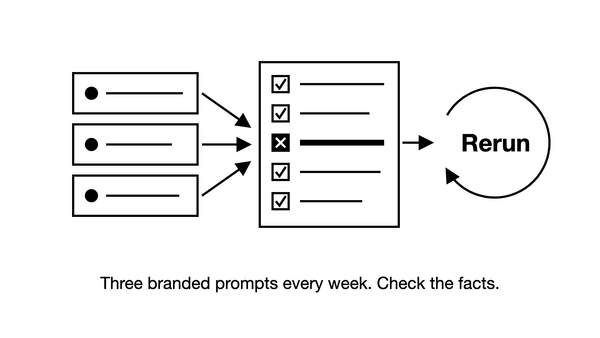
- Run each question in ChatGPT logged out or in a temporary chat, because memory and location can change the answer. If your buyers are in another country, use a VPN set to that country. Then open Sources and look for your page.
- Run them again on other days, because the same question can get a different answer each time. An AI visibility tool can run them daily and show which of your pages each answer cites.
- Track all of these questions, not only those that cite your page. Tracking only those would make your results look better than they are. Add new ones as forms and calls bring new wording.
Say you run a prompt twice on the same day. In our data (ChatGPT, April to October 2026, B2B brands across software and other fields), two such runs shared only 22% of the cited pages.
As of November 2026, the Zadoosh AEO platform's free trial runs 25 prompts for 7 days, no card, from the countries you choose.
Tracked over time, the questions you wrote from your clues show whether ChatGPT keeps citing the pages that bring you buyers.
How do you remove utm_source=chatgpt.com from a link?
Delete the tag and keep the rest of the address. If the tag is the only thing after the question mark, delete from the question mark onward. If other parts come after the question mark, keep them, because they can decide which page loads.
| Link as copied from ChatGPT | Link without the tag |
|---|---|
https://example.com/guide/?utm_source=chatgpt.com |
https://example.com/guide/ |
https://example.com/docs?lang=en&utm_source=chatgpt.com |
https://example.com/docs?lang=en |
https://example.com/docs?utm_source=chatgpt.com&lang=en |
https://example.com/docs?lang=en |
Remove it before you publish a link you found through ChatGPT, so clicks from your page do not count as ChatGPT visits in that site's analytics.
On your own site, leave the tag in place. A redirect or a script that strips it leaves your analytics only the referrer to credit ChatGPT, and the referrer does not always arrive. If your site redirects addresses, for example from http to https, check that the redirect keeps everything after the question mark.
Frequently asked questions
What does source=chatgpt.com mean? It means the link came from a ChatGPT answer. It is the last part of utm_source=chatgpt.com, the tag ChatGPT adds to the links it cites. In GA4, visits through tagged links show chatgpt.com in the Session source column.
Why do links in a document or an email end in ?utm_source=chatgpt.com? Whoever added the links found those pages through ChatGPT and copied them with the tag. In a writer's draft, that shows where the research came from. The tag says nothing about whether a source is reliable or written by AI, so check each one as you would any other link.
Should you add utm_source=chatgpt.com to links you share yourself? No. Clicks on your own tagged links, in a newsletter or a social post, would count as ChatGPT visits and mix your campaigns into the ChatGPT number. Give your own links their own source value, such as newsletter.
Does utm_source=chatgpt.com track you? Only in a narrow sense. The tag is plain text in the address, and it tells the site you open that the link came from ChatGPT. It installs nothing and does not follow you to other sites. If you would rather that site not know, copy the link, delete the tag and paste the clean address into a new tab, which sends no referrer.